
How it works
- Save the wallet on the vendor. In Add Crypto Wallet, choose Solana as the Network, USDC or EURC as the Currency, and enter the Wallet address. The address is checked as a valid Solana address before the wallet is saved.
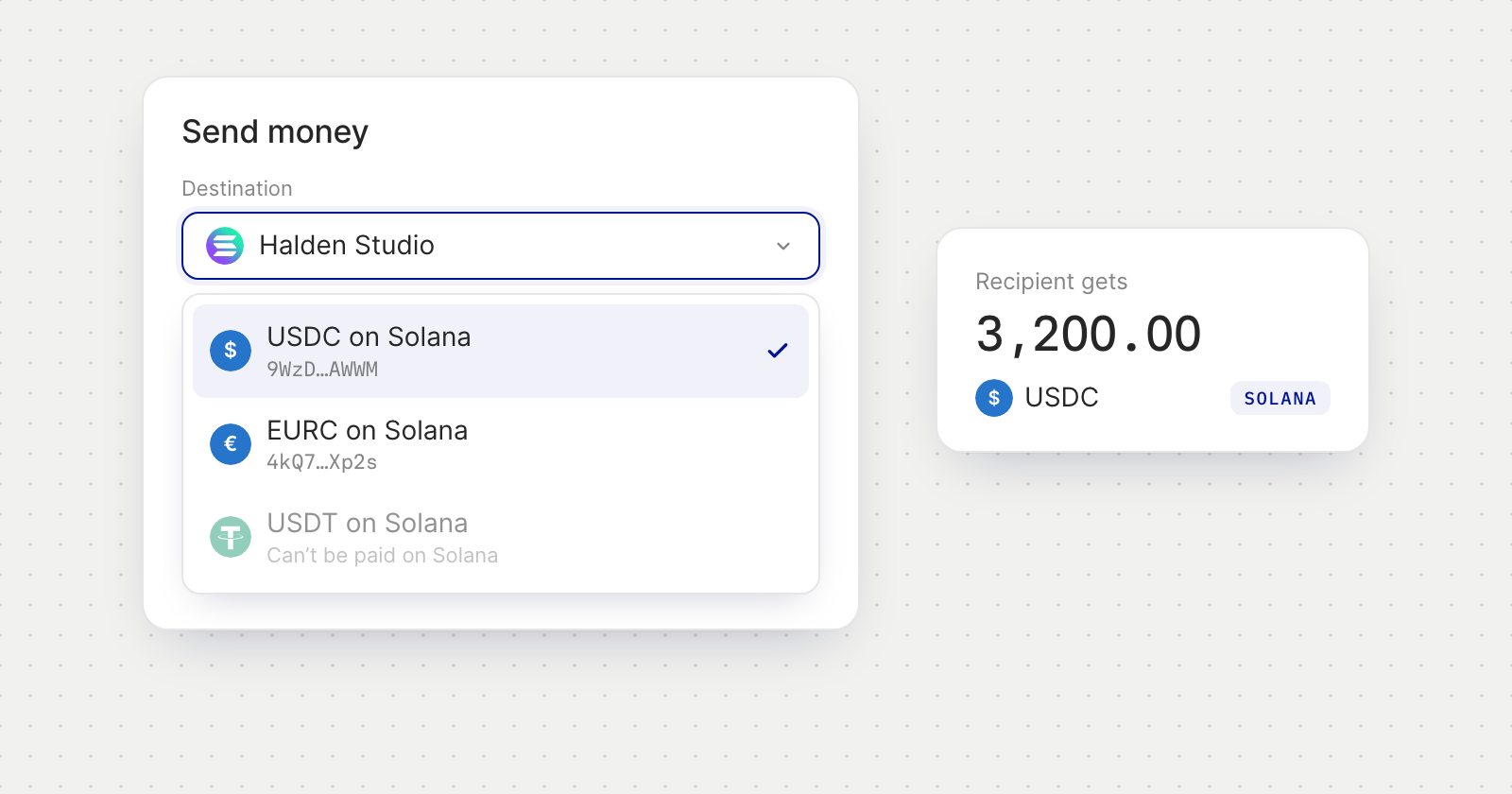
- Pay it from Send Money. Choose Stablecoin transfer and pick the vendor's Solana wallet as the destination. The review shows the Network alongside the other payment details.
- USDC from USD, EURC from EUR. A wallet saved in USDC is paid from a USD account, and one saved in EURC from a EUR account. Paying it from an account in the other currency is refused on the screen, which suggests another wallet or a different account to pay from.
Good to know
- USDC and EURC only. A vendor's Solana wallet saved in any other token can't be paid. Send Money says so and asks you to choose another wallet.
- No token choice on Solana. Paying a vendor in a different token, with Pay the vendor in, is for wallets on EVM networks only.