
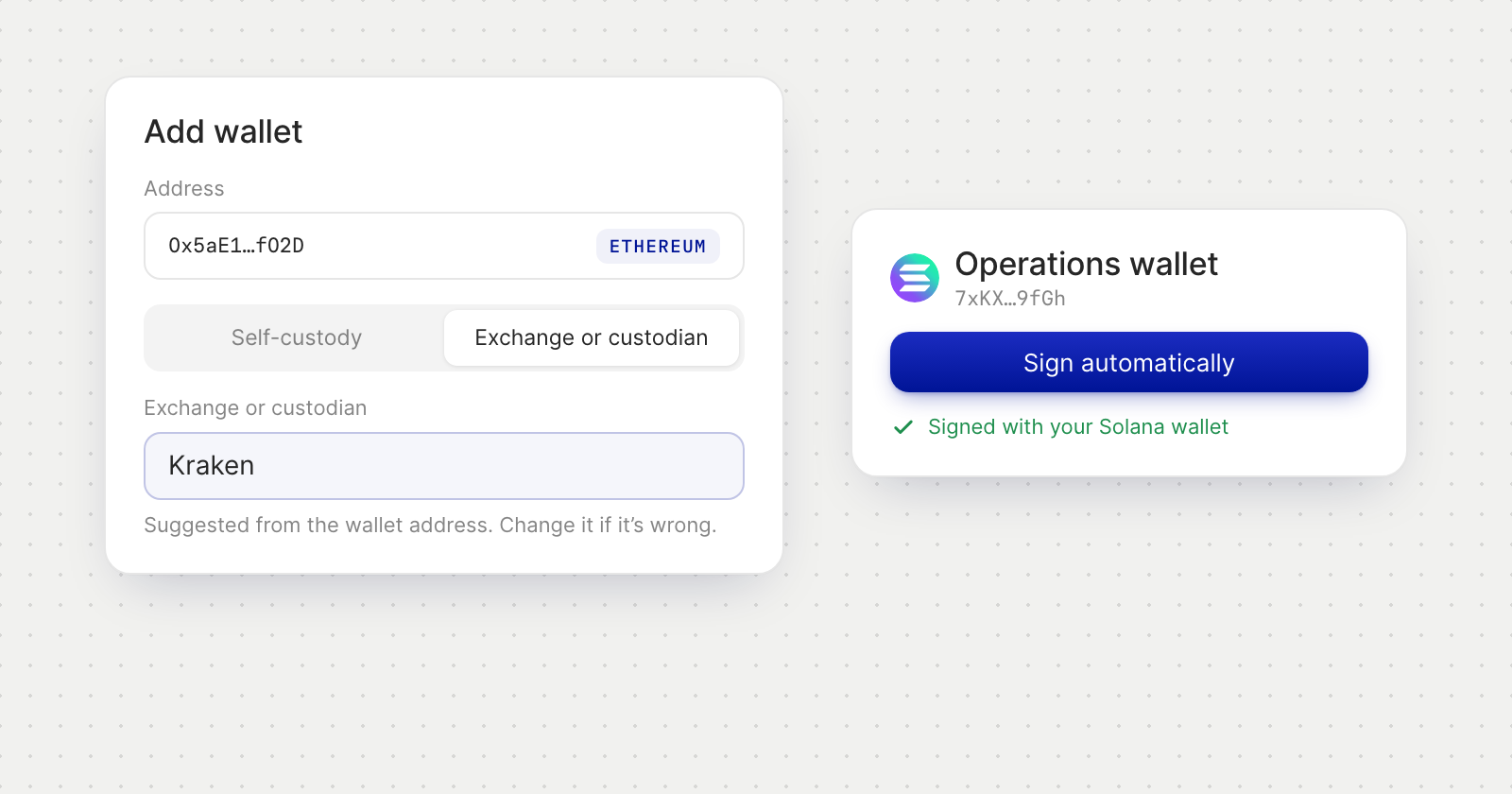
Accounts at an exchange or custodian
- One question first. Once you enter an address in Add Crypto Wallet, the form asks How is this wallet held?
- Self-custody is a wallet your company holds the keys to, such as MetaMask, Ledger or Safe. You sign a message, as before.
- Exchange or custodian is an account at Binance, Coinbase, Kraken, Fireblocks and the like. Nothing is signed: you enter who holds it and the address they show you for receiving. Saving it confirms the account belongs to your company.
- A suggested name. The form may recognise the exchange from the address and fill in its name. It is only a suggestion, so change it if it's wrong.
- Clearly labelled. On Crypto Wallets, such a wallet shows who holds it, such as "At Kraken".
The same choice appears when you save a wallet of your own as a payment method.
Solana wallets sign automatically
- Sign automatically now works for a Solana address. Holyheld finds the Solana wallet in your browser, such as Phantom, Solflare or Backpack, and asks it to sign. Before, a Solana wallet could only be verified by signing manually.
- The right account. Holyheld prefers a wallet already connected to the address you are verifying. If your wallet shares a different account, you are told before anything is signed.
- No Solana wallet in this browser? Install one, or sign the message manually and paste the signature.
Good to know
- Signing the message is free. It doesn't send a transaction or create a record on the blockchain.