
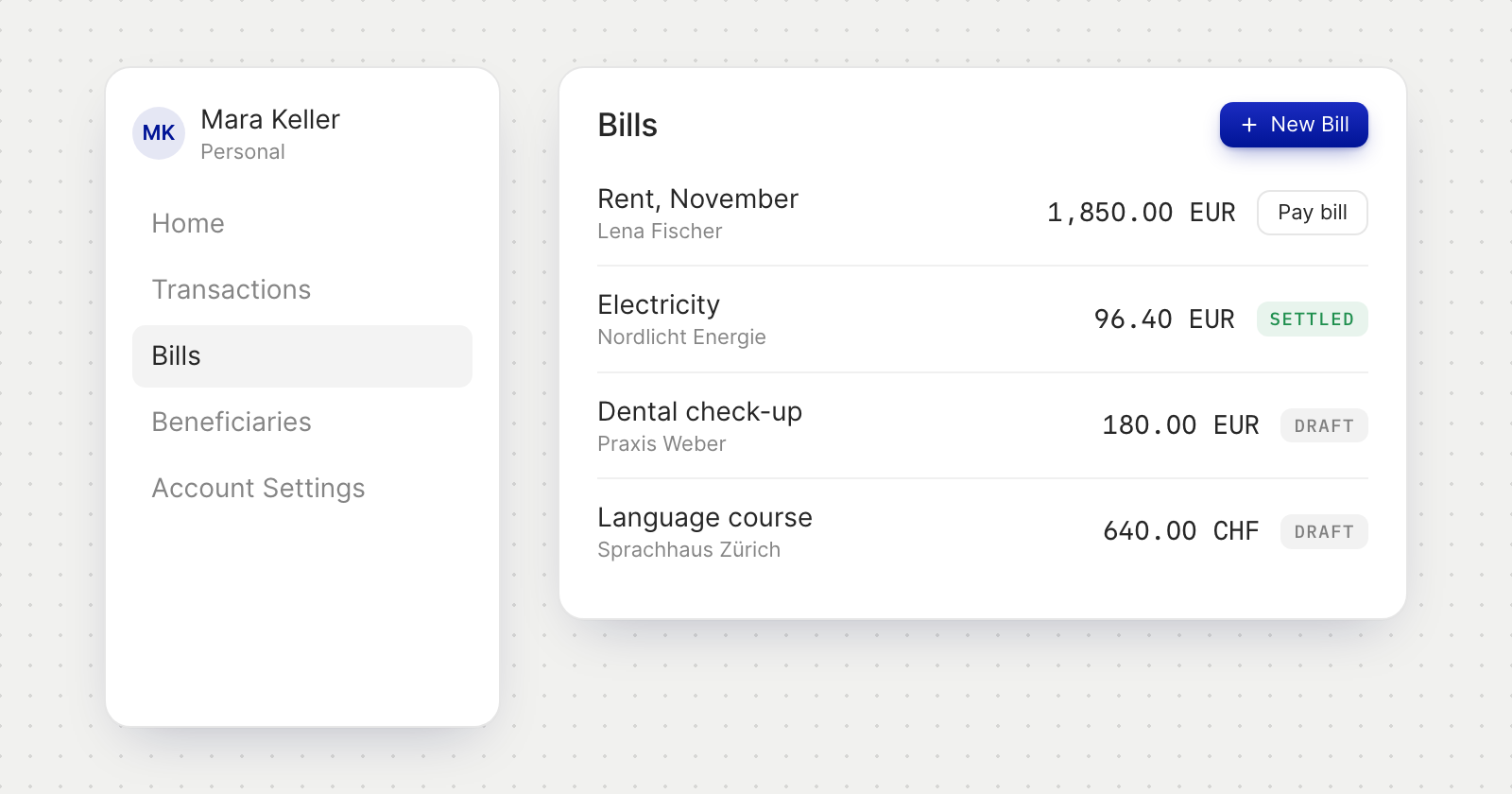
What you can do
- Add a bill from New Bill: upload an invoice, choose Create Bill Without Invoice, or open Email bills for your own forwarding address.
- Let the scan do the typing. An uploaded invoice fills in the bill, and someone it doesn't recognise can be saved as a new beneficiary straight from the bill.
- Pay from the bill. Pay bill opens Send Money filled in from the bill. The payments linked to it, and possible matches, show on the bill.
- Paid outside. Mark a bill as paid when you settled it some other way.
Worded for you
- Bills in the menu. The section appears as Bills.
- Beneficiaries, not vendors. A personal account calls the people and companies it pays Beneficiaries, and bills do too. The bill form has Beneficiary and New Beneficiary, and the list searches by beneficiary or invoice number.
- No owner. Every bill on a personal account is yours, so the owner line and field are left off.
- A shorter status list. The filter offers Draft, Processing, Settled and Payment Failed. Nothing on a personal account waits for an approver.
Good to know
- You are never your own beneficiary on a bill. The beneficiary picker leaves you out, and a scan that reads your name from the bill's address doesn't suggest you.
- Email bills works as it does for a business. Only PDFs are read, a draft appears for each bill that can be read, and nothing is paid without you. Share the address only with those you trust to bill you.