
How it works
- Enter the amount and choose the accounts. Type the amount to transfer, then pick the From and To accounts. Each account shows its balance, and Swap turns the direction around.
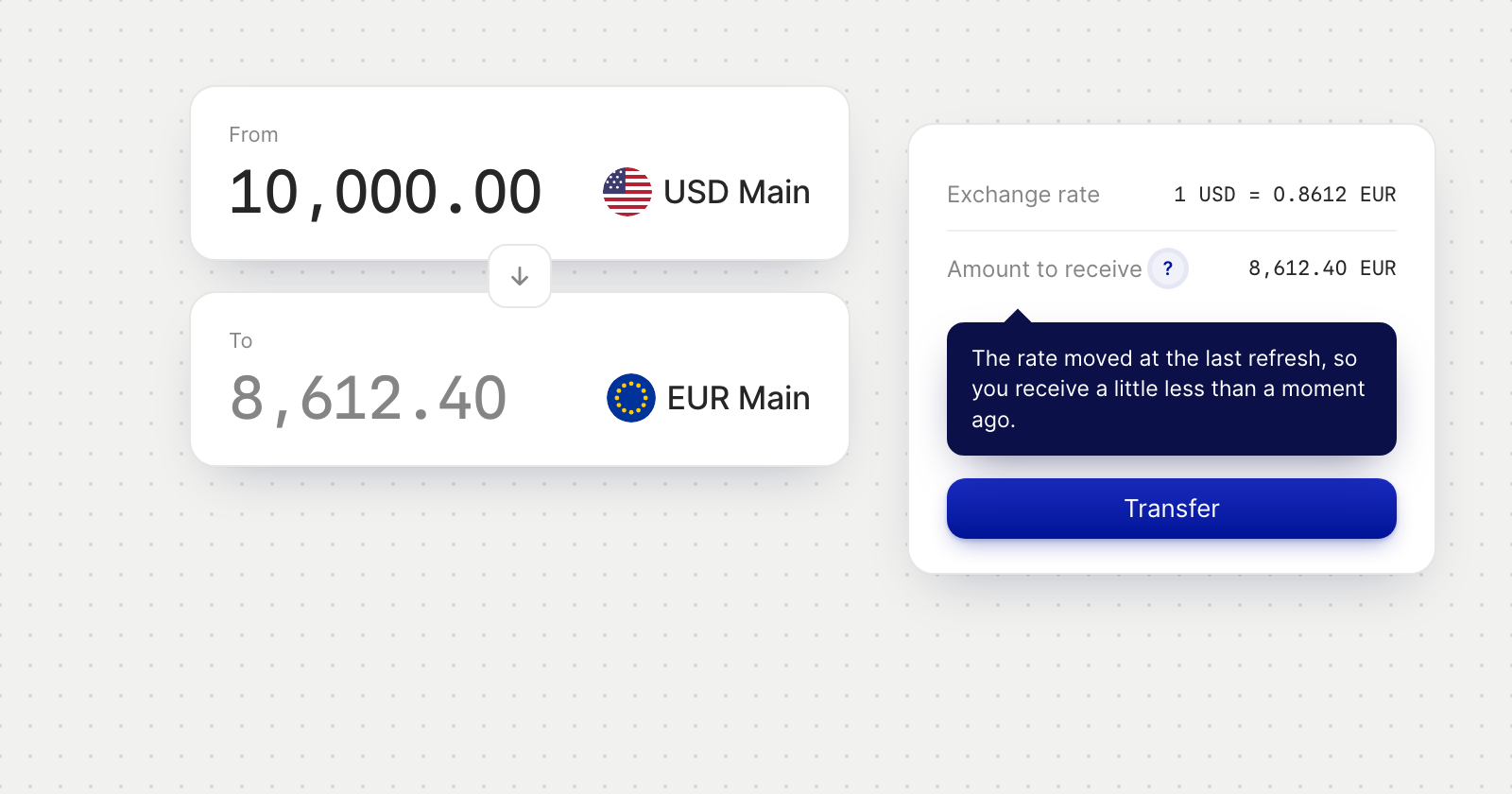
- Check the figures. A summary shows the Exchange rate and the Amount to receive. They refresh while the screen is open, and pulse just before each refresh.
- Confirm. Press Transfer. The figures are checked once more as you do.
- Follow it through. A Transfer recorded screen confirms the amount and which way it is moving. The conversion then appears in Transactions as a Conversion, shown as pending until it settles.
If the rate moves
When a refresh lowers the amount to receive, a small ? appears beside it. Hover over it, focus it or tap it to see what you would now receive compared with before. It is there to explain the change, and it doesn't stop you from confirming.
Good to know
- Who sees it. The Internal Transfer tab appears for team members whose role allows conversions, even if their role doesn't allow sending payments.
- Not enough money. If the amount is more than the From account can cover, the screen says so before you confirm.
- Not available yet? If conversions aren't available to your company yet, the tab tells you what is needed.