
How it works
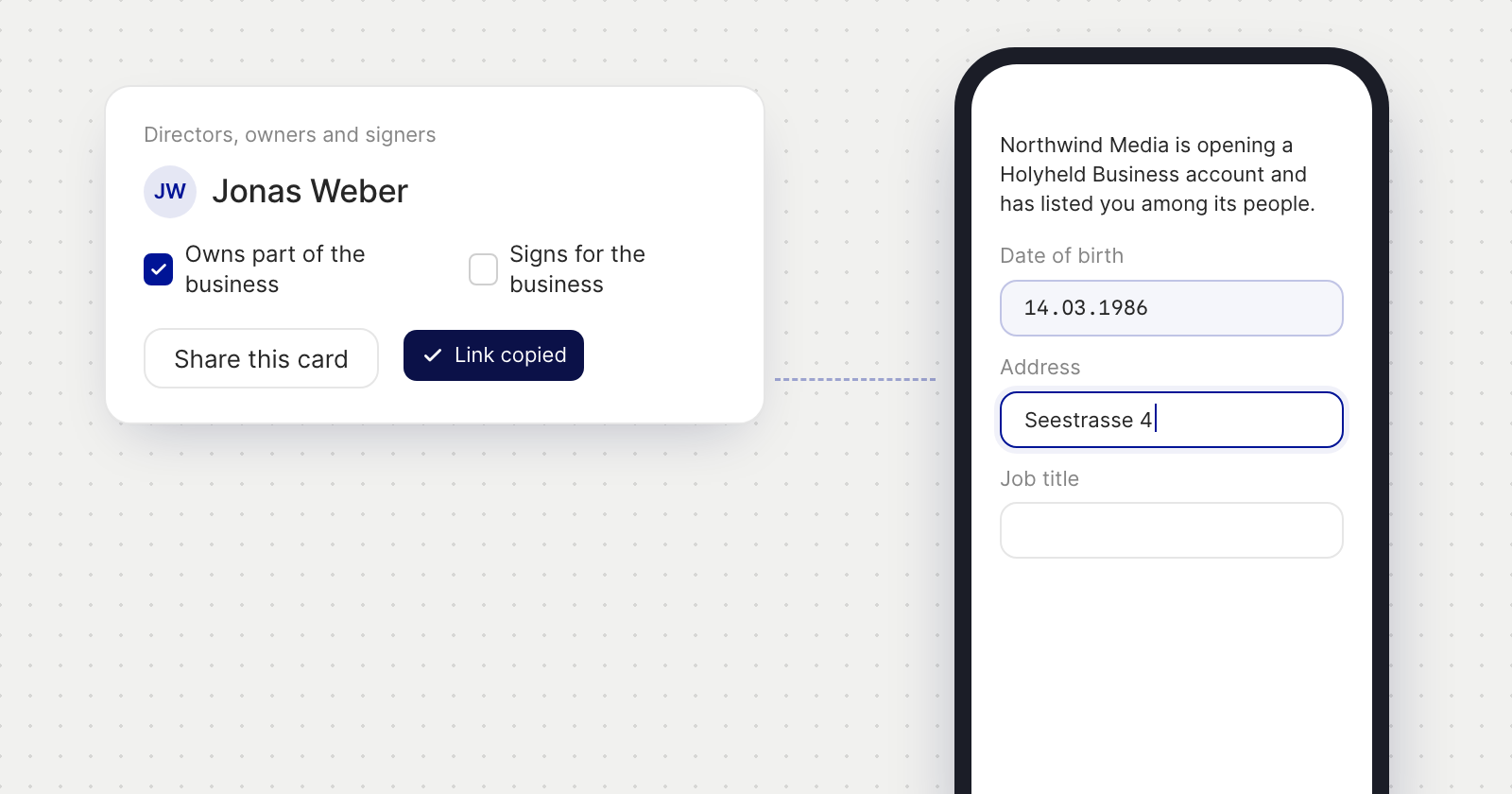
- Share this card. On the Ownership tab, every person's card has a Share this card button under the role tickboxes. It copies a link for that person, which you send them however you like.
- A page of their own. The link opens Your details, which names your company, says what you listed them as, such as a director and an owner, and shows their card alone. They don't need to sign in to Holyheld.
- Saved as they type. Every field saves as they go, so they can simply close the page when they're done.
- On your form as it arrives. What they enter shows on their card in your application without a reload.
What stays with you
- Roles are yours to set. The person sees the roles you ticked but can't change them, because the roles decide which details the card asks for.
- Cards are removed only from your form. The shared page has no way to remove a card.
- The same link every time. Sharing a card again copies the same link, so one you have already sent keeps working.
Good to know
- The shared card asks for the same details as the card on your form.
- Once the application has been sent for review, the link tells the person that nothing more is needed from them.
- If a link no longer works, the page asks them to get the card shared again.