
Get your address
- Open Email bills. It is in the New Bill menu, below Create Bill Without Invoice.
- Show my forwarding address reveals it, and Copy address copies it. The panel also shows when the address was created and when it last received an email.
- Replace address if it has gone further than you meant. The old address stops accepting mail at once, without a bounce, so update any forwarding rules you set up for it.
- Hide address when you are done.
What becomes a bill
- PDFs only. Attach the bill as a PDF. Other files are ignored.
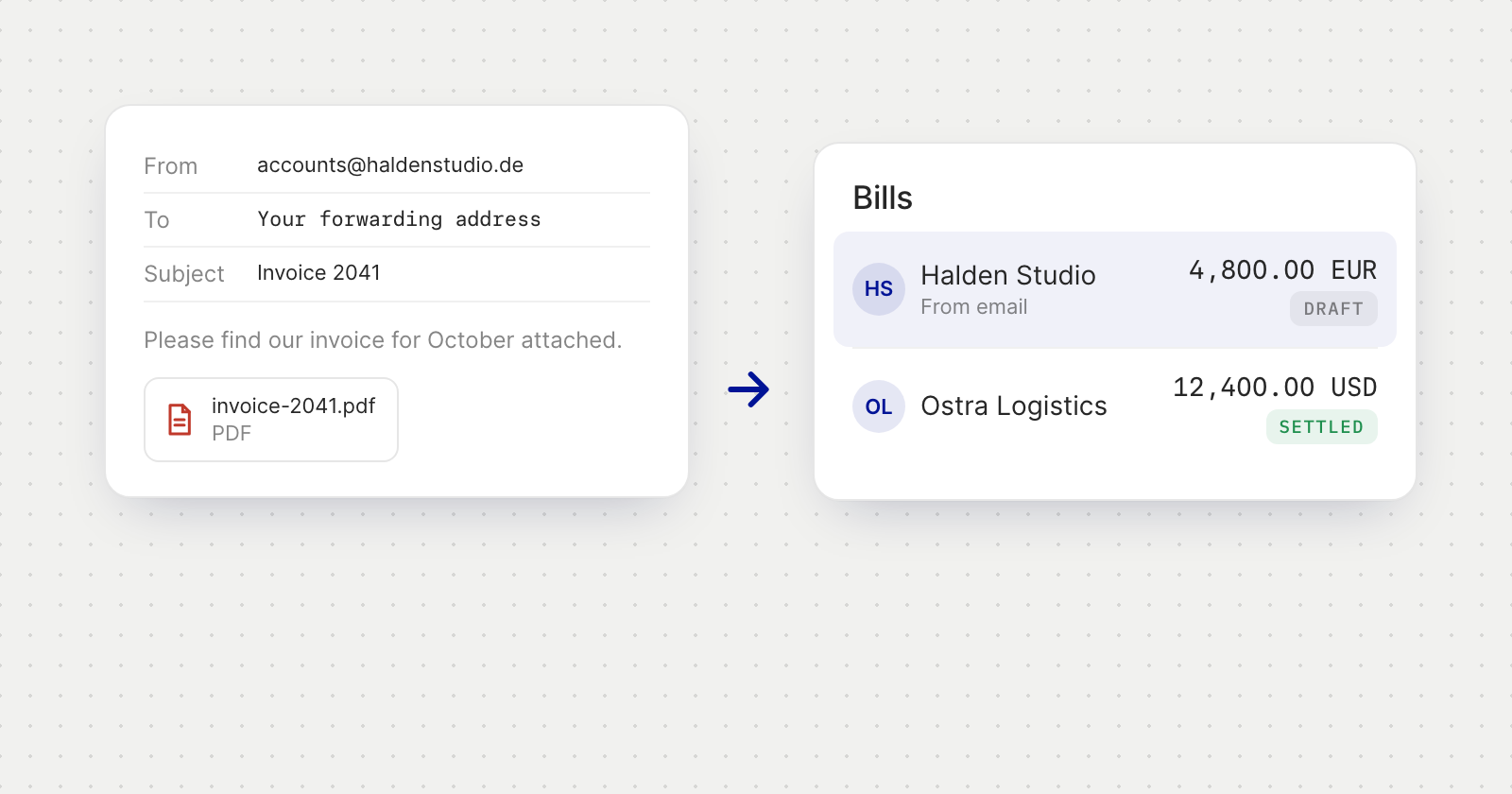
- A draft for each bill Holyheld can read. A draft is added only when it can tell what the bill is for and how much it is.
- The draft keeps the PDF as its invoice document, and shows the reported sender and the vendor name read from the PDF, both marked as unverified.
- Failed sender checks. Mail whose sender fails verification is dropped and never becomes a bill.
Good to know
- Nothing happens on its own. A bill that arrives by email never creates a vendor or sends a payment. Review every draft, including its vendor and payment details, before you pay it.
- Share the address only with vendors you trust. Anyone who has it can send to it.
- Each address belongs to one member and one company. You need permission to create bills to see and use it.