
How it works
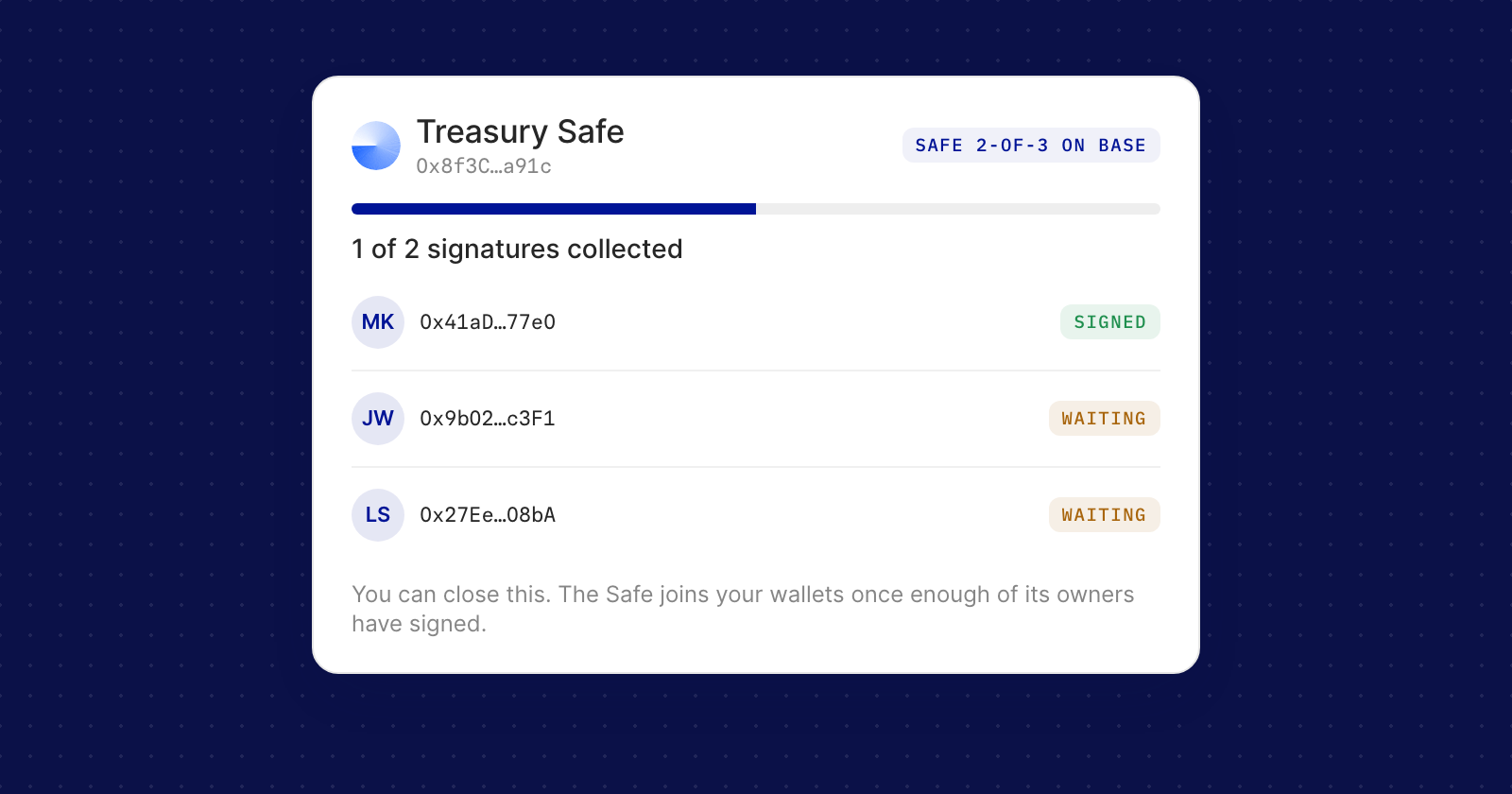
- The form recognises a Safe. Enter its address and the form shows its threshold and network, such as "Safe 2-of-3 on Base".
- Sign in Safe{Wallet}. Choose Open in Safe{Wallet} and sign the message there. Your co-signers confirm it in the Safe app under Transactions, then Messages.
- Close the window when you like. The dialog counts the signatures, such as "1 of 2 signatures collected", and the verification carries on after you close it.
- Leaving early is fine. If you close Safe{Wallet}'s signing flow before everyone has signed, choose Verify once they sign and Holyheld waits for them.
- Follow it on Crypto Wallets. Under Safe verifications, a pending Safe shows its signatures so far, its network and when it expires, with Check now and Cancel. Once enough owners have signed, the Safe joins your wallets.
Choosing the wallet that signs
- Holyheld asks which wallet holds the address: a browser extension, Coinbase Smart Wallet, Another wallet through WalletConnect, or signing manually and pasting the signature.
- Failures are explained where they happen, such as a wallet that shared a different address, a rejected request or an expired QR code, each with what to do next.
- Pasted signatures are tidied up, so spaces, line breaks and Etherscan's JSON are fine.
Good to know
- A verification expires if not enough owners sign within 7 days. Start again proposes the same message, so the signatures already collected still count.
- A Safe that has another Safe or a contract among its owners can't be verified. Use a Safe whose owners are regular wallets.
- A Safe that needs only one signature can also sign through WalletConnect.