
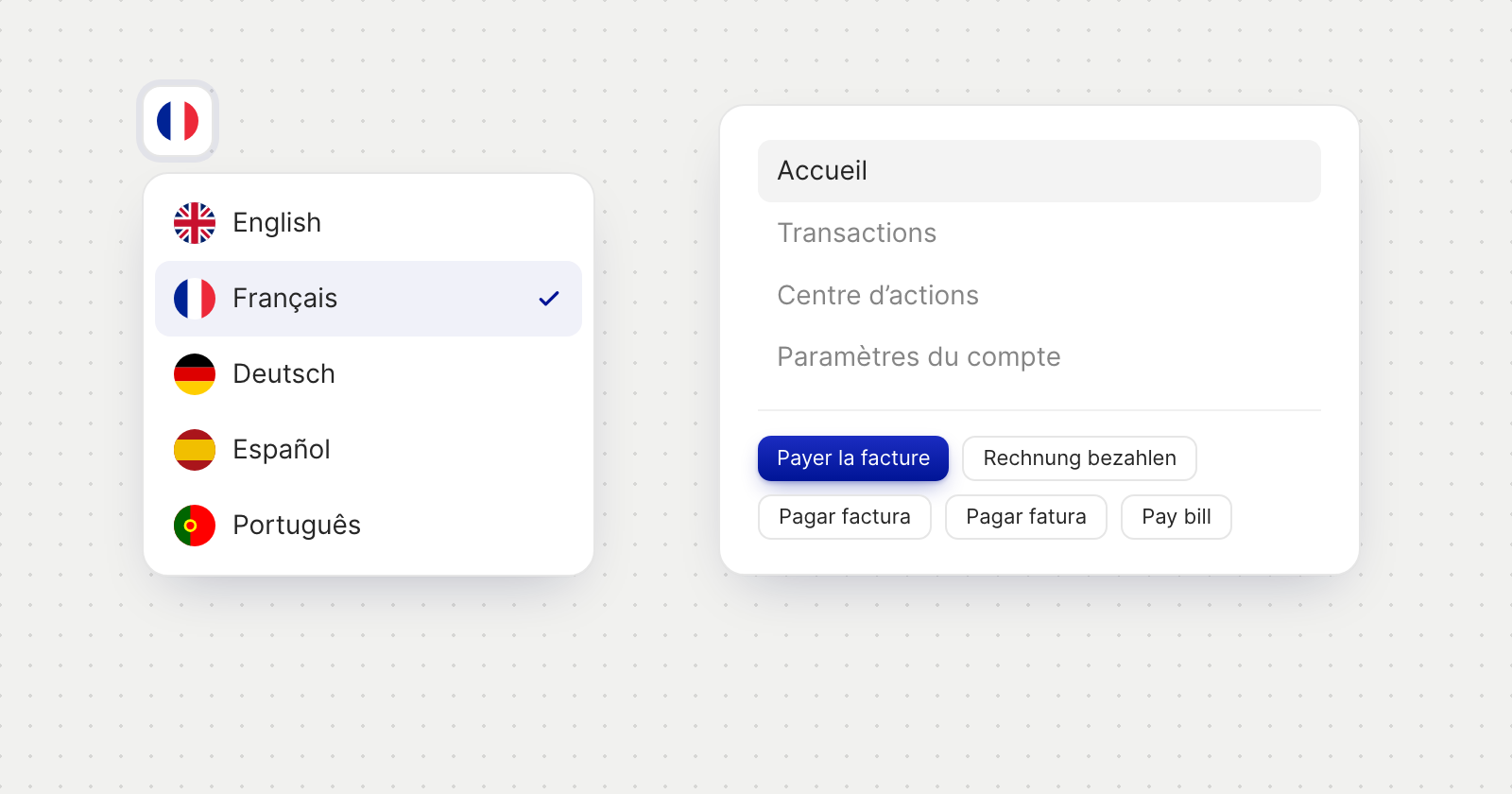
Choose your language
- In Account Settings. Language, on the Profile tab, saves your choice to your login and switches the app at once.
- Before you sign in. A flag on the sign-in, invitation, application and payment link pages opens the list of languages, each shown in its own name. A language you pick on the sign-in screen is saved to your login when you sign in.
- From your browser. Until you choose, Holyheld opens in your browser's language when it is one of the five. If your login has no language saved yet, a banner asks Also use this language for emails and notifications?, with Use this language or Keep English.
Formats follow the language
- Dates, numbers and amounts are written the way your language writes them. In French, German, Spanish and Portuguese, calendars start the week on Monday.
- Amount fields accept a comma or a point as the decimal mark, and read thousands separators the way your language writes them.
Invoices keep their own language
- Document language. Each invoice has one, used for the invoice itself, its emails and its reminders, whatever language you use the app in.
- Default document language. Set it in Invoice Settings, under Invoice Defaults. It applies to new invoices, and existing invoices keep their language. You can also leave new invoices in the language of whoever creates them.
Good to know
- Personal accounts keep their own wording in every language.
- Messages from the Holyheld team appear in the language they were written in.
- Payers choose too. Someone paying you through a payment link can pick their own language on that page.