
Where notifications appear
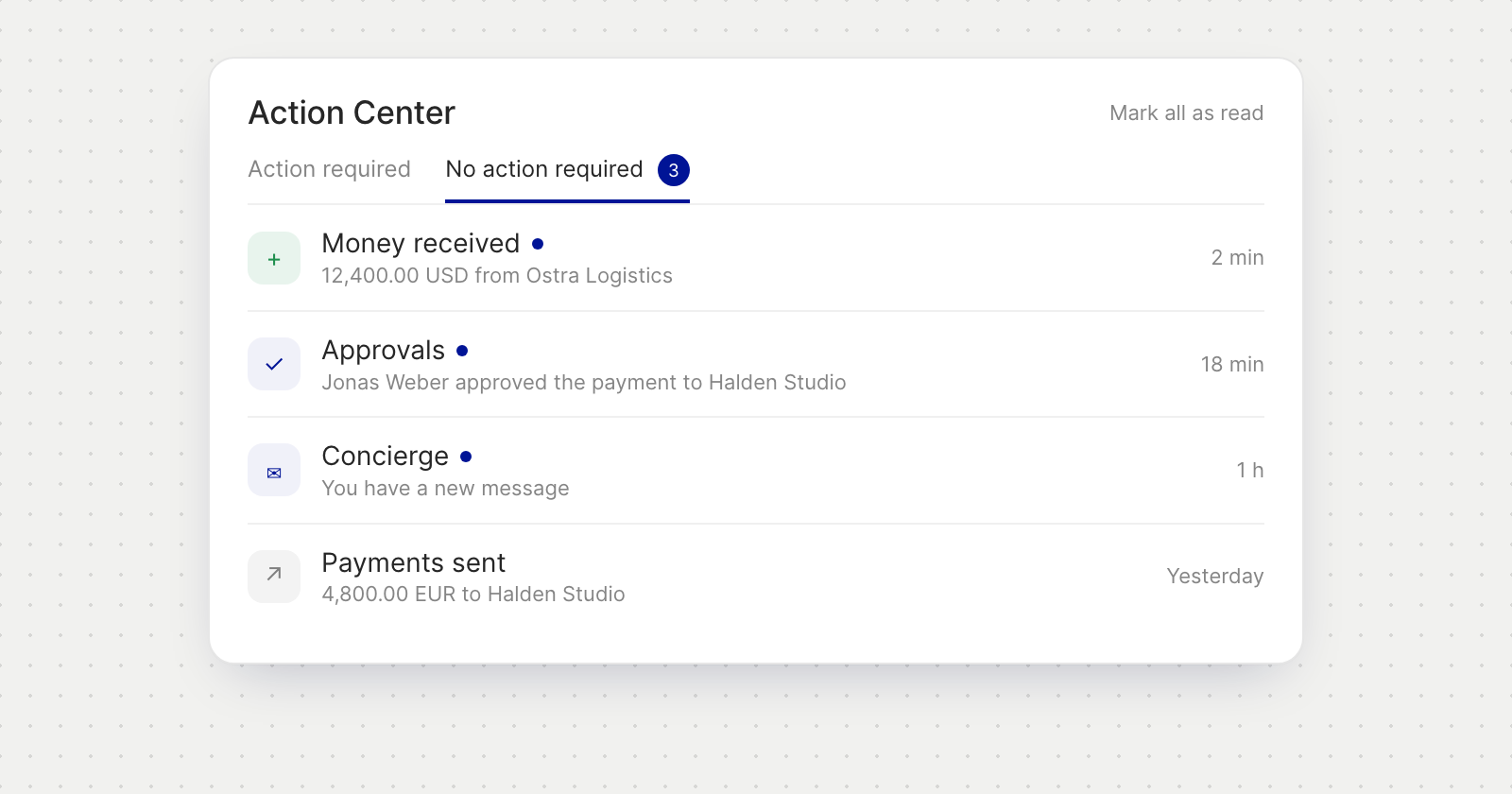
- Action Center, No action required. Your notifications have their own tab next to Action required, newest first, and the tab shows how many are unread.
- Open what it is about. Selecting a notification marks it read and opens the payment, request or page it refers to. If it belongs to another of your companies, Holyheld switches to that company first.
- Keep the list tidy. Mark all as read clears the unread count, and Load more brings up older notifications.
What you are notified about
Notifications come in categories: Money received, Payments sent, Approvals, Bills, Invoices, Team and account, Concierge, Announcements and Security.
Good to know
- Security is always on. Notifications about new sign-ins, passkey and passcode changes, and account recovery can't be turned off.
- Notifications are personal. Each person sees their own, including team members who don't handle payments.
- Invoices appears as a category only when one of your accounts is a business.