
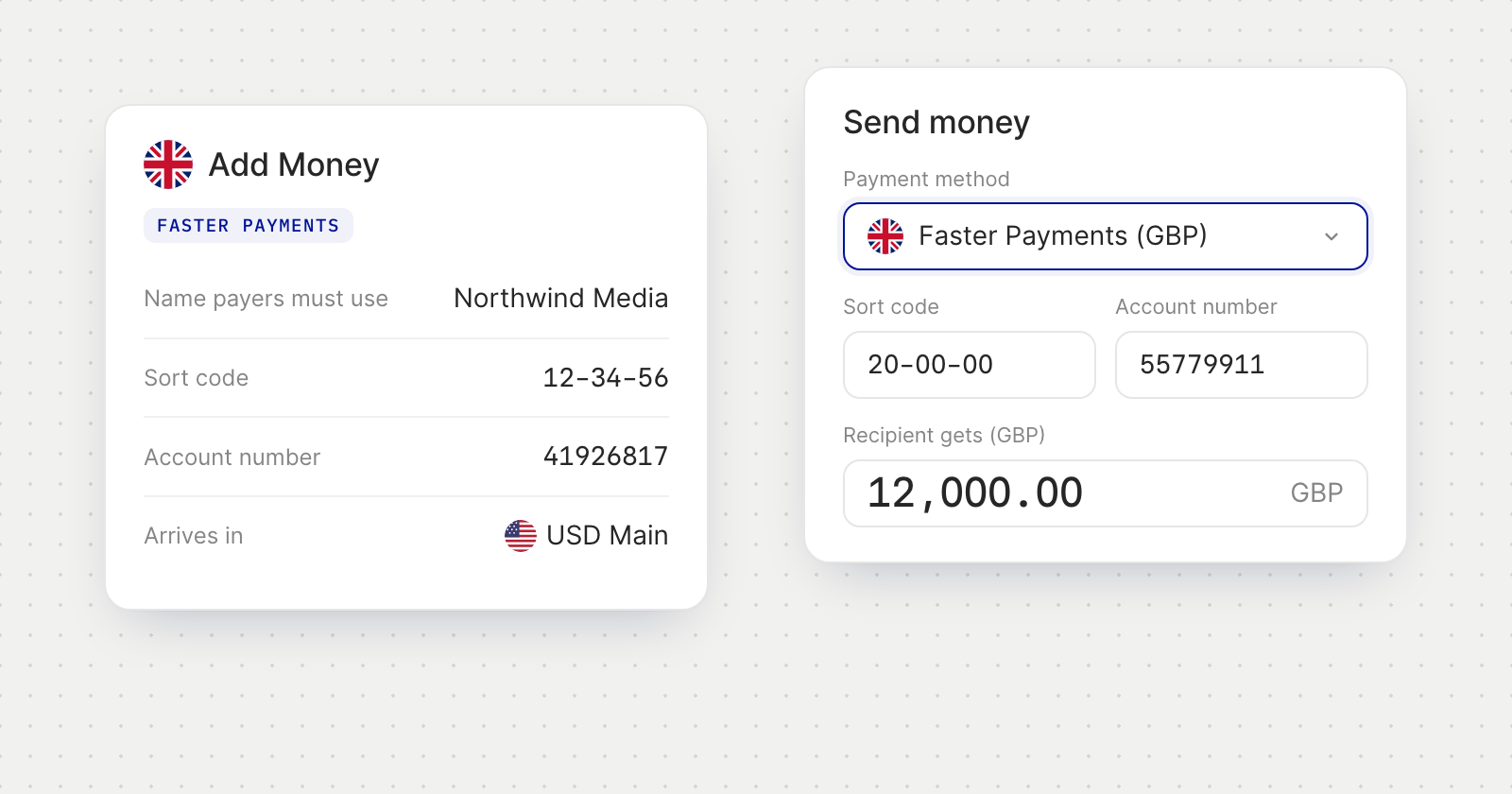
Receive GBP
- Find the details in Add Money. Choose Faster Payments (GBP) to see the name payers must use, a sort code and an account number, plus a Payment Instructions PDF you can send to payers.
- Payers must use the name shown. UK banks check the name on the account, so ask payers to enter it exactly as it appears under Name payers must use.
- It arrives in dollars. GBP you receive is converted to USD and credited to your USD account.
Pay UK accounts
- Save the vendor's account. In Add Bank Account, choose Faster Payments (UK) and enter the name on the account, the sort code and the 8-digit account number.
- The name is checked with the recipient's bank. The account then shows Name confirmed, Close match, No match or Name not checked. If the name doesn't match or isn't confirmed, you confirm that you understand before you can pay it.
- Enter the amount in pounds. In Send Money, choose Faster Payments (GBP) from a USD account. You type what the recipient gets, and the screen shows what you pay in dollars and the rate, which is held for a short time and fetched again when it runs out.
- Approvers see the same terms. Payments waiting in the Action Center show the exchange rate, the sort code and the name check.
Good to know
- Who can pay you. You can receive GBP from your own accounts and from businesses. Payments from other people are returned.
- Large incoming payments. Payments over £1,000,000 go by BACS and take about 3 business days.
- First use. If Faster Payments is still being enabled for your account when you choose it, the app says so. Try again in a few minutes.
- References. A Faster Payments reference can use letters, numbers, spaces and & - . / only.