
What you can do on your iPhone
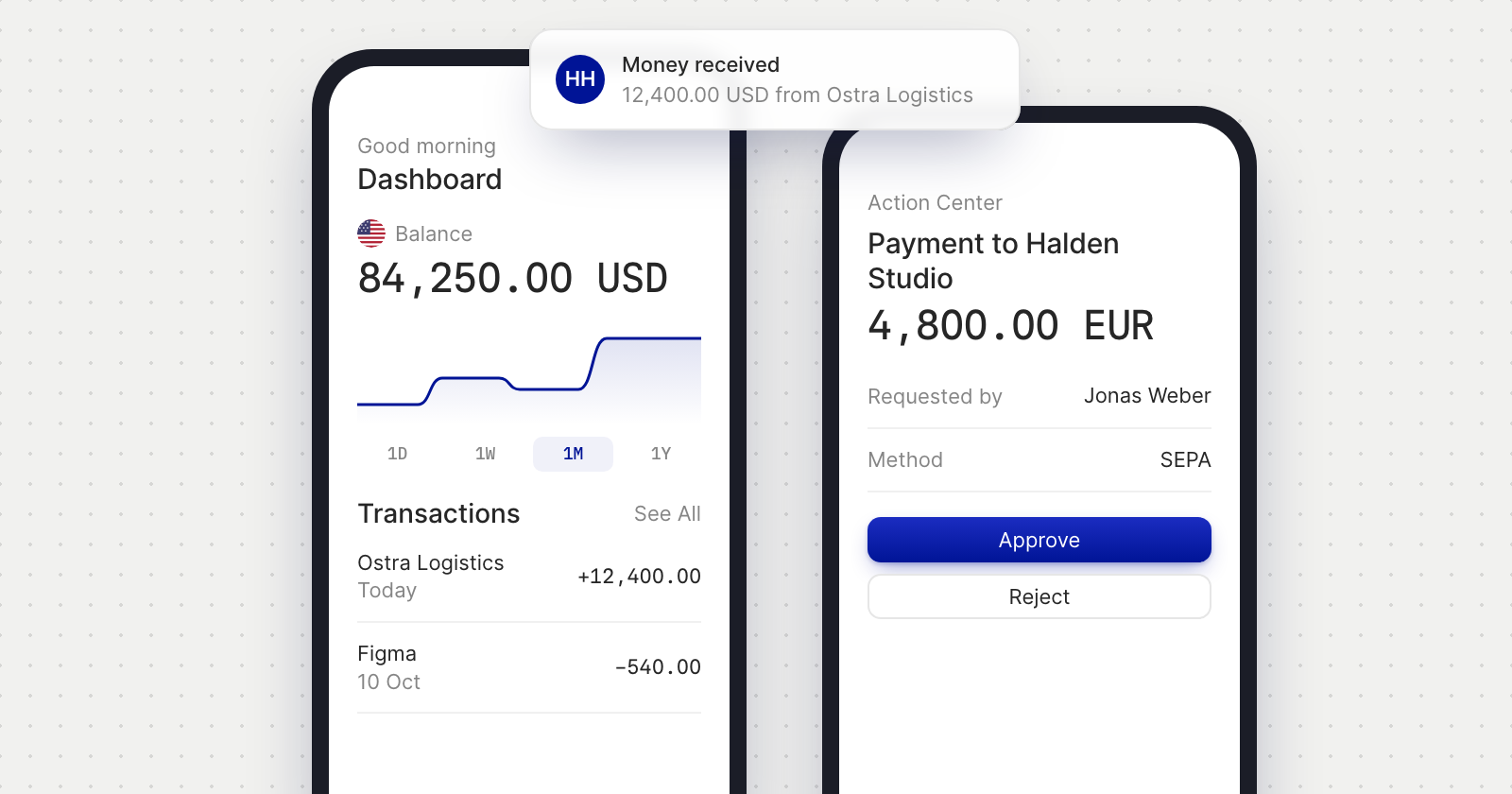
- See your money. Your USD and EUR accounts, and any other accounts you've opened, each with its balance, chart and transactions.
- Send money. Pay a vendor by ACH, SEPA or in stablecoins, see the fee before you confirm, and move money between your accounts with Internal Transfer.
- Get paid. Share your account details, and create and send invoices, recurring ones included.
- Pay bills. Add your suppliers' bills and pay them when they're due.
- Approve your team's payments. Approve or decline the payment requests your team sends, and manage team members and their roles. Your payment rules apply as they do on the web.
- Ask the concierge. Chat with the Holyheld concierge, or look something up in the Help guide.
Security and notifications
- Your passkey. Sign in with your email and your passkey, as on the web.
- Face ID or Touch ID. Turn it on when you first sign in, or later in Account Settings, under Security. It unlocks the app, and approves payments and other sensitive actions instead of typing your passcode.
- Notifications you choose. Money received, payments sent, approvals, bills, paid invoices and Concierge messages each have their own switch in Account Settings, under Notifications. Security notifications are always on.
All your accounts in one app
- Business and personal. Open the side menu to switch between the businesses you work for and your personal account.
- Linked logins. Logins you've linked are in the same menu, one tap away, without signing in again.
Good to know
- iPhone with iOS 17 or later.
- Five languages. The app is in English, French, German, Spanish and Portuguese, like the web app.
- Membership is by invitation. If you don't have a Holyheld account yet, request an invite. The app comes with your membership.
- On Android too. Holyheld is also on Google Play.